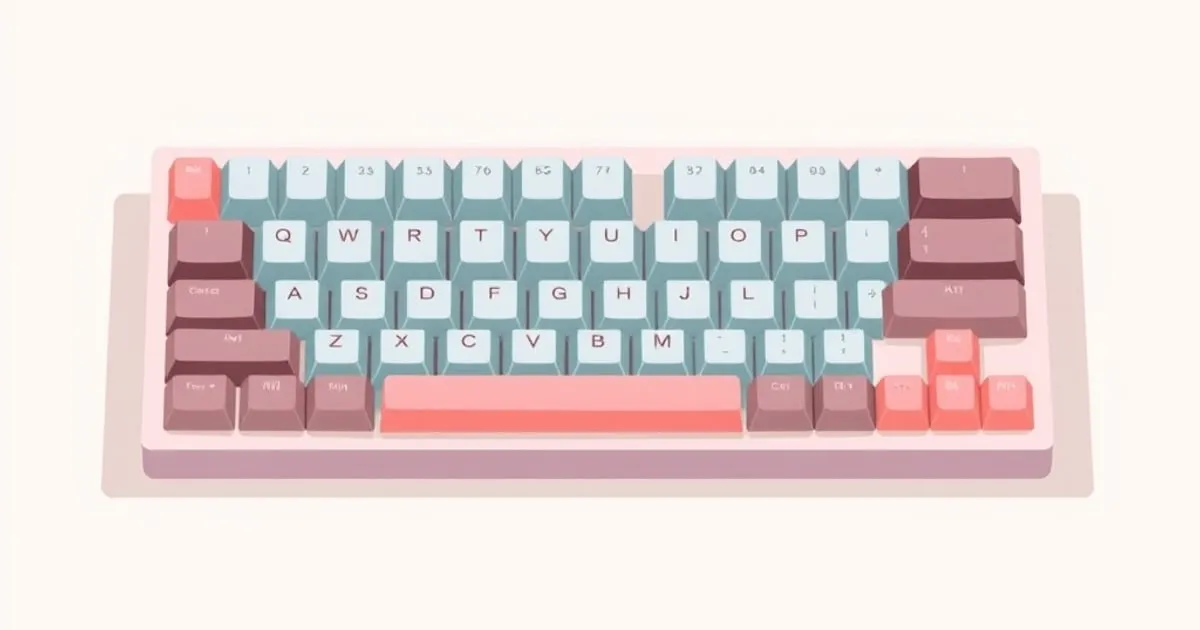
Will These Keycaps Fit My Keyboard? A Compatibility Guide
How to check keycap compatibility before you buy — MX stems, kit coverage, the modifiers that trip people up, and why a beautiful set can still leave gaps
The most expensive keycap mistake is not picking the wrong profile or material — it is buying a gorgeous set that does not actually cover your keyboard’s layout. Group buy sets are sold as a base kit plus optional extension kits, and the base kit is designed around a standard keyboard. If your board is non-standard, you can end up with blank spots. This guide is the pre-purchase checklist, and our keycap fit checker automates it — pick your layout and the kits a set includes and it returns a per-requirement verdict plus the exact missing kit.
Step 1: confirm the stem
Almost all modern enthusiast keyboards use MX-style stems — the familiar ”+” cross mount. The vast majority of aftermarket keycap sets are made for MX. If your switches have a cross-shaped stem on top, MX keycaps will fit.
The exceptions to watch for:
- Topre keyboards (some Realforce, HHKB) use a non-MX mount unless specifically built with MX sliders. Standard MX keycaps will not fit stock Topre.
- Low-profile switches (Kailh Choc and similar) use a different, smaller mount. Normal MX keycaps do not fit Choc, and Choc keycaps do not fit MX.
- A handful of vintage and ergonomic boards use Alps or other legacy mounts.
If you are on a typical hot-swap or soldered mechanical keyboard with cross-stem switches, you are on MX and almost everything will fit. Confirm this first; nothing else matters if the stem is wrong.
Step 2: identify your bottom row
The single biggest source of “it doesn’t fit” complaints is the bottom row — the row with your modifiers and spacebar. Bottom rows differ in:
- Spacebar width. 6.25u is the most common standard. Some boards (especially HHKB-style and some 40%/65% boards) use a 7u spacebar or split spacebars. A set may include one but not the other.
- Modifier widths. Standard bottom rows use 1.25u modifiers (Ctrl, Win/Cmd, Alt). Many compact and “tofu-style” boards use 1.5u modifiers, or a different mix. If your set only ships 1.25u modifiers and your board needs 1.5u, those keys will be wrong width.
Look up your keyboard’s bottom row layout (the manufacturer’s page or community wiki usually states it) before buying. Then check the keycap set’s kit photos for matching widths.
Step 3: count the oddball keys
Beyond the bottom row, several keys vary by board and are common gap-makers:
- Stepped Caps Lock vs regular Caps Lock — some sets include both, many only one.
- ISO Enter / ISO layouts — if you use an ISO physical layout, you need an ISO kit. Many base kits are ANSI-only.
- Split Backspace / split Right Shift — common on 65%/75% custom boards; needs extra 1u keys often sold in an extension kit.
- 40% and ortholinear extras — 1u and 1.25u modifier legends in quantities a standard kit does not include. This is exactly why uniform profiles (DSA, XDA, KAM) are popular for these boards — one keycap shape covers everything.
- Arrow/nav clusters and split spacebars on ergo boards.
Each of these is usually solvable with the right extension kit — but only if that kit exists and you order it. Base kit plus the right extension kits, not base kit alone, is how you cover a non-standard board.
Step 4: read the kit, not the render
Group buy listings show a beautiful full-board render, but that render typically assumes you bought every kit. The base kit is sized for a standard tenkeyless or full-size ANSI board. To check coverage:
- List every key position on your keyboard, paying attention to widths.
- Open the listing’s kit breakdown image (usually one image per kit).
- Match your keys to what is actually in the kit(s) you plan to buy.
- If a key is missing, find the extension kit that has it — or accept the gap.
For unusual boards, the ”40s/ortho” or “spacebars” extension kit is frequently the one people forget, then discover their board has blanks weeks later when the set finally ships.
Step 5: profile and row compatibility for sculpted sets
One subtle issue: sculpted profiles (Cherry, OEM, SA) are row-specific. A keycap molded for R1 (the number row) is shaped differently from R3 (the home row). If your board has a non-standard physical layout — an extra row, a shifted function row, or a macro column — make sure the sculpted set has the right row keys for those positions. This is a non-issue for uniform profiles, where every key is identical and any keycap goes anywhere. If you own several non-standard boards, a uniform profile sidesteps this entire category of problem.
A quick pre-buy checklist
- Stem: MX cross-stem? (Not Topre, not Choc low-profile.)
- Spacebar width matches (commonly 6.25u; check for 7u/split).
- Modifier widths match (1.25u vs 1.5u).
- ANSI vs ISO matches your physical layout.
- Split Backspace / split Shift / stepped Caps covered if you use them.
- For sculpted sets: every physical row on your board has a corresponding kit row.
- You have identified which extension kit(s), not just the base, you need.
For the full method behind this — what the “u” unit system means, exactly which extension kits exist, and how to plan coverage key by key — read our companion guide on keycap kitting and coverage.
Run this list before you spend money on a group buy, because keycap orders frequently have long lead times — discovering a gap after the set arrives means waiting again, often through aftermarket sales at a markup. Five minutes of checking kit images saves the most common and most frustrating keycap regret. And if a set that should fit still sits wrong once it arrives, our guide to troubleshooting keycap fit problems covers loose stems, wobble, and stabilizer interference.
KeycapCompare — in your inbox
Every profile, material, and colorway — explained. — delivered when there's something worth your inbox.
No spam. Unsubscribe anytime.
Related

Keycap Kitting and Coverage: Base Kits, Extra Kits, Units
How keycap kitting works — base kit vs extension kits, the 'u' unit system, key counts, and how to plan full coverage so a set actually fits every board

MX-Clone Stem Tolerance: Why Some Keycaps Crack on Some Switches
MX-clone switch stems vary in tolerance — sometimes enough to crack ABS keycaps on removal. A practical guide to which combinations fit safely and which

The Artisan Keycap Ecosystem: Sculpts, Casts, and Raffles
How artisan keycaps work — sculpts vs colorways, resin casting, sales formats like raffles and GBs, sizing and compatibility, and how to enter the scene